Workflow Automation CRM That Eliminates Manual Work
Automate repetitive business processes, reduce administrative work, and keep every lead and customer moving through your sales process. Zysko CRM helps your team trigger actions automatically, improve response times, and ensure every workflow follows a consistent process without manual intervention.

CRM Capabilities
Core CRM Modules
Cloud Access
Cloud-Based
Stop Wasting Time on Repetitive Sales Tasks
Too Much Manual Work
Employees repeat the same administrative tasks every day, reducing productivity.

Slower Sales Process
Manual updates create delays, missed follow-ups, inconsistent customer experiences, and higher operational costs.
Automated Business Workflows
Routine processes run automatically, improving efficiency and allowing your team to focus on high-value activities.
Inconsistent Processes
Different employees follow different procedures, making sales performance difficult to predict.
Missed Opportunities
Important actions are forgotten, customer communication becomes inconsistent, and business processes become difficult to manage.
Standardized Automation
Every workflow follows predefined business rules that improve consistency, visibility, and operational control.
Everything You Need to Automate Business Processes
Workflow Triggers
Start automations automatically.
Smart Conditions
Execute rules dynamically.
Automated Actions
Reduce manual tasks.
Featured Function
Flexible Workflow Automation For Every Business Process
Build automated workflows that respond to changes across your CRM. Trigger actions when leads or contacts are created, updated, or deleted. Automatically update records, send emails, synchronize customer information, trigger external webhooks, and ensure every business process follows consistent rules. Workflow Automation helps your team eliminate repetitive work while maintaining complete control over every customer journey.
Email Automation
Send emails automatically.
Record Updates
Modify CRM data instantly.
Webhook Integration
Connect external applications.
Lead Automation
Manage sales workflows automatically.
Contact Automation
Keep customer records synchronized.
How Workflow Automation Works in Zysko CRM
Automations are built around simple business logic. When a predefined event occurs, Zysko CRM automatically evaluates your workflow conditions and executes the appropriate actions—eliminating manual work while ensuring every process follows the same standards.
Select a Trigger
Start the workflow when a lead or contact is created, updated, or deleted.
Define Business Rules
Configure the conditions that determine when automation should run.
Execute Actions
Automatically update records, send emails, or trigger external webhooks.
Optimize Your Operations
Reduce repetitive work, improve process consistency, and scale your business with automated workflows.



Use cases
Read the latest articles from our blog.
No posts found.
Визуальные доказательства (screenshots / video)
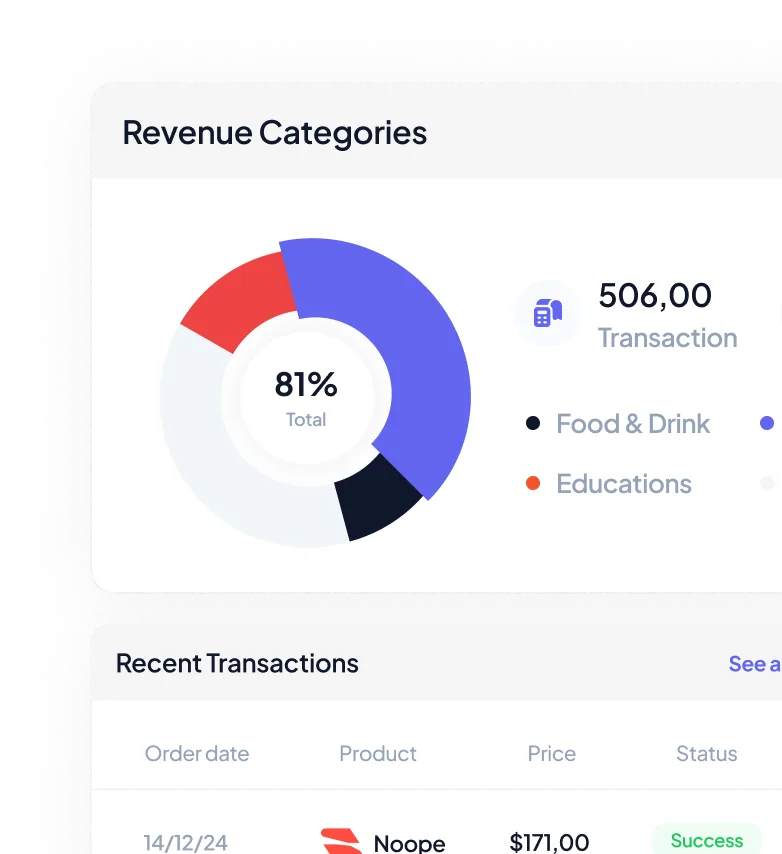
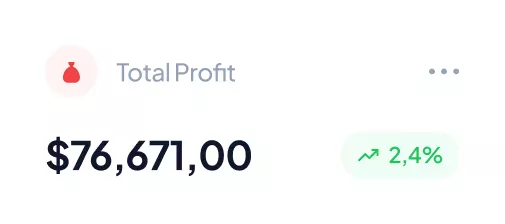
Take Control of Your Finances with Ease.
Our platform provides you with real-time access to your financial data, ensuring that you always have a clear and up-to-date picture of your business’s financial health.
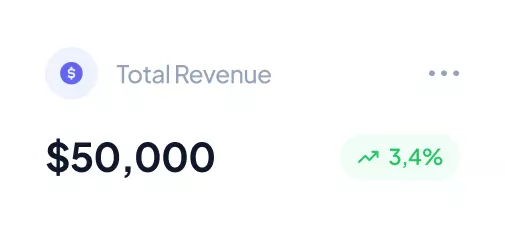
Streamlined Operations, Maximized Results.
Our platform fosters a collaborative environment where team members can easily communicate, share ideas, and work together seamlessly. This enhances productivity and ensures that everyone is on the same page.
Scalable Solutions for a Growing Business.
Our scalable solutions are designed to adapt to your changing needs, providing you with the flexibility and efficiency you need to succeed as your business expands.
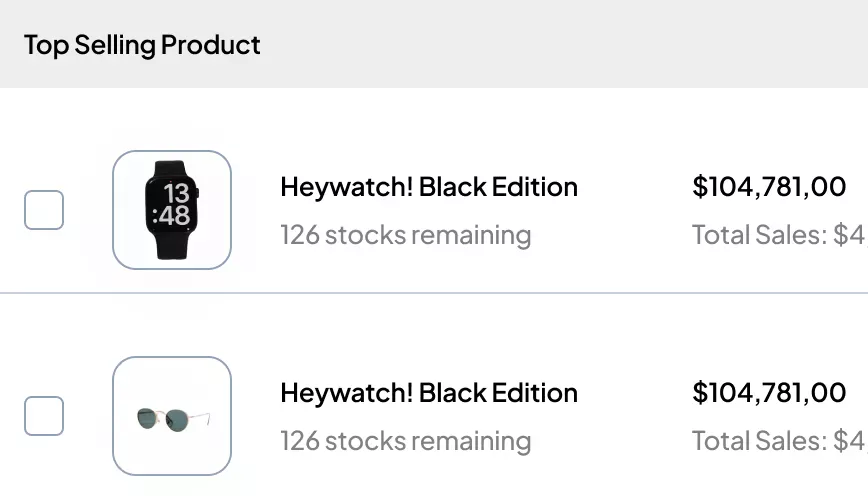
Informed Decisions, Better Results.
By understanding your customers’ preferences and behaviors, you can build stronger relationships and foster customer loyalty.
Integrations
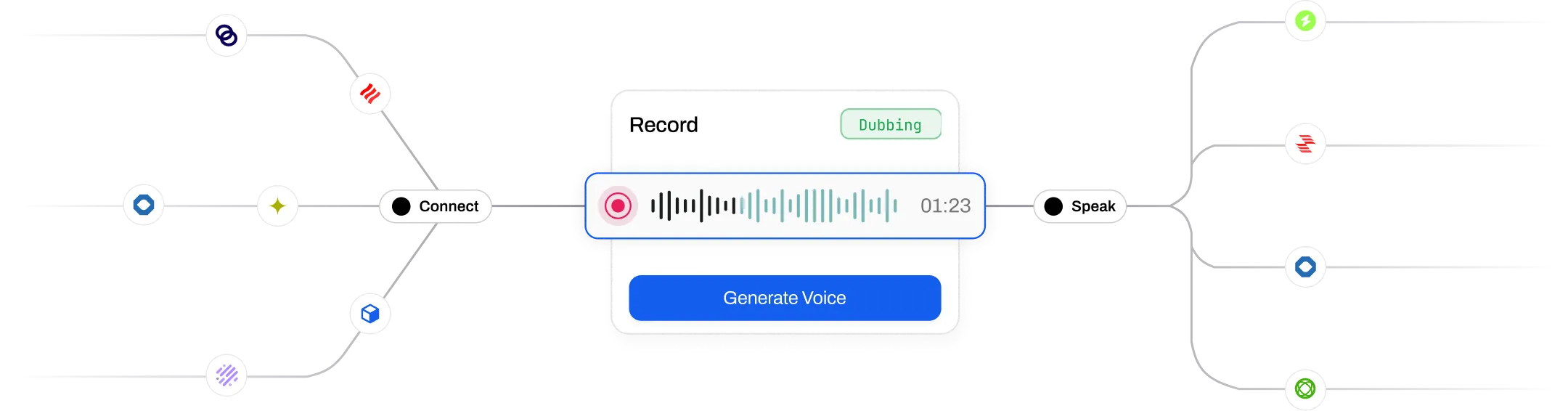
Extend your capabilities with seamless integrations
Our HR and payroll management web app is designed to function as a hub for all your HR-related activities. Ensuring that your HR operations are connected and efficient without the need for multiple separate tools.


FREQUENTLY ASKED QUESTIONS
Need more clarity? Explore our CRM Glossary for simple explanations of lead management, sales pipelines, automation, and other essential CRM concepts.
Workflow Automation CRM helps businesses automate repetitive processes by executing predefined actions when specific events occur. Instead of relying on manual updates, Zysko CRM automatically performs routine tasks based on your business rules, improving efficiency and reducing human error.
Zysko CRM can automate processes related to leads and contacts, including updating records, sending emails, synchronizing customer information, triggering external webhooks, and executing workflow actions whenever selected events occur.
Workflows can start automatically when supported CRM events occur, such as creating, updating, or deleting contacts and other supported CRM records. This allows business processes to run immediately without manual intervention.
Yes. Workflow Automation can modify CRM records automatically based on your configured rules, helping keep customer information accurate and reducing repetitive data entry.
Yes. Automated workflows can send emails as part of predefined business processes, helping your team respond faster and maintain consistent communication with customers.
Yes. Zysko CRM supports webhook actions, allowing workflows to exchange information with external applications and integrate CRM processes into your broader business ecosystem.
Absolutely. By automating repetitive administrative tasks, your team spends less time updating records and more time building customer relationships, closing deals, and growing revenue.
Yes. Automation benefits businesses of every size. Small teams can eliminate repetitive work without hiring additional staff, while larger organizations can standardize complex business processes across departments.
Yes. Workflow Automation is designed to support different business processes by combining triggers, conditions, and actions that match the way your organization operates.
Automated processes ensure that customer information stays up to date, follow-ups happen on time, and every customer receives consistent communication regardless of which employee is handling the relationship.
Seamless Integration with Your Favorite Email Service Providers
Connect with Your Preferred Email Platform for Effortless Workflow

Gmail

Yahoo Mail

Apple Mail

Microsoft Exchange

Outlook

Mailjet

Mailgun

ProtonMail

MailChimp
Track Your Goals, Reach Your Destination
- 7 Days free trial
- No Credit Card